
You just build the report
Access is one of six reporting applications with included QQube examples. Open an example or connect an existing Access database to QQube, then build the queries, forms, and reports your organization needs.
- Comprehensive reporting models organized around QuickBooks business subjects
- Prepared relationships, accounting logic, calculated fields, and friendly names
- Access-specific views and included examples ready to customize
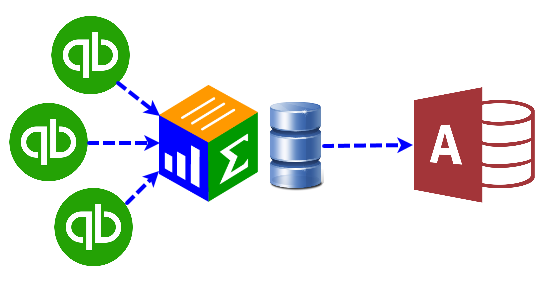
Start with a working Access example
Included examples show how a QQube reporting model works in Access and give you a practical starting point for your own queries, forms, and reports.
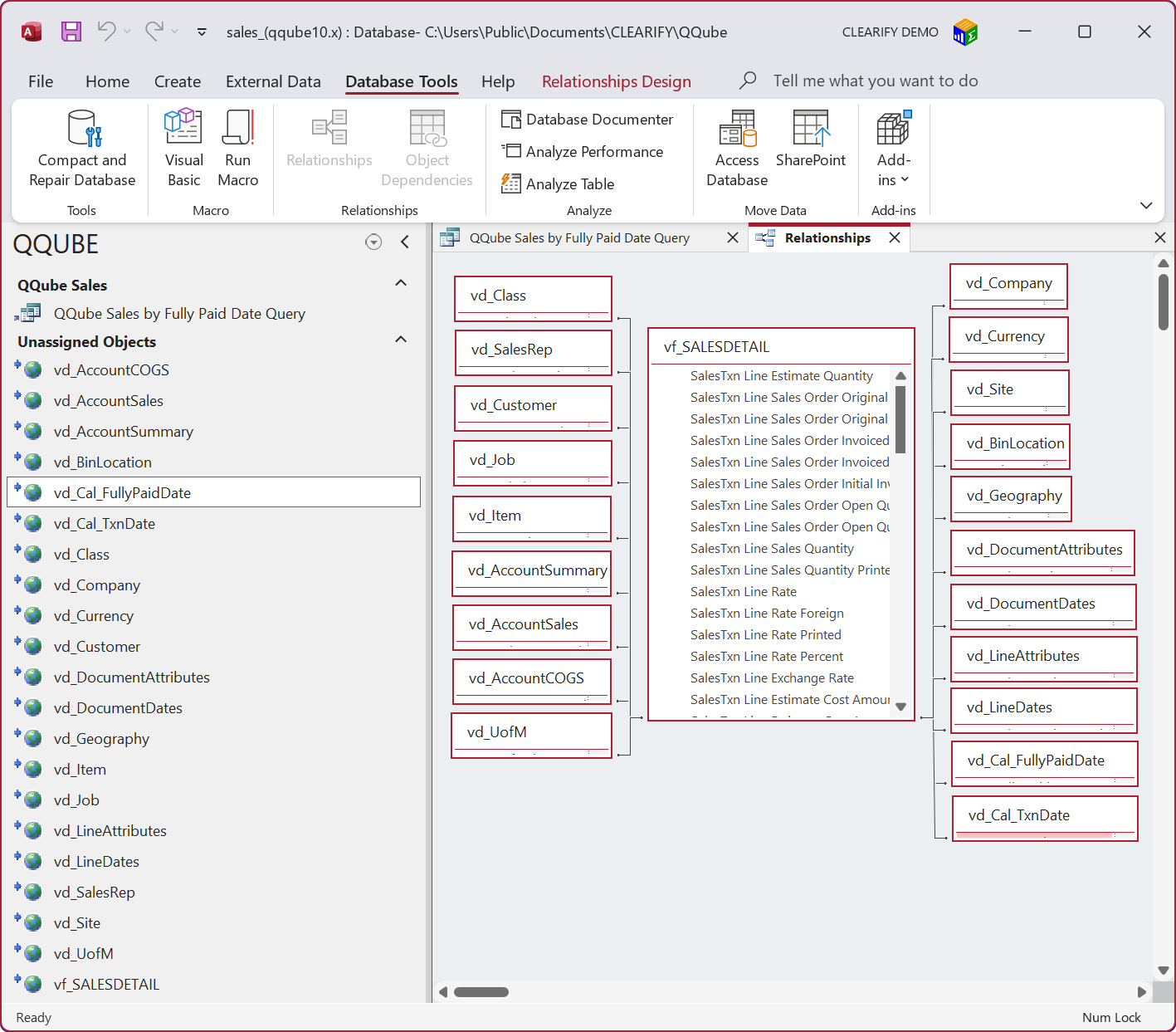
A QQube Sales reporting model connected and ready to use in Microsoft Access.
QQube prepares what a raw connector leaves to you
A connector extracts QuickBooks data. QQube organizes and prepares it for reporting.
Comprehensive reporting models
Each model is organized around a reporting subject and designed to provide the QuickBooks information available for that subject.
Prepared calculations
Calculated fields and reporting logic are already included where applicable, so you do not have to recreate the accounting calculations in Access.
Access-specific wide views
QQube supplies special Access views when a financial reporting model exceeds Access’s 256-column limit.
Queries, forms & integrations
Build Access queries, forms, reports, and workflows, including projects that combine QQube with other data sources.
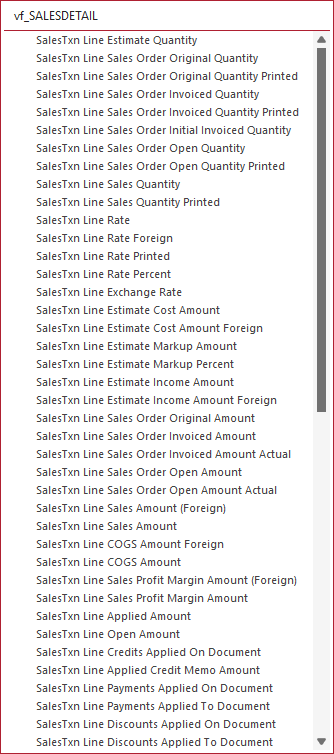
Ready-to-use calculations
QQube includes reporting calculations with the model, so you can use the resulting fields directly in Access instead of rebuilding the underlying accounting logic yourself.
- Use prepared calculated fields in queries and reports
- Combine QuickBooks data with other Access data sources
- Build forms and workflows around the same prepared reporting model
Start building in Access
Connect QuickBooks, synchronize the reporting model you need, and open an included Access example or connect from your existing Access database.