
You just build the report
Crystal Reports is one of six reporting applications with included QQube examples. Open an example, refresh it with your QuickBooks data, and use Crystal Reports for pixel-perfect formatting, grouping, formulas, and delivery.
- Comprehensive reporting models organized around QuickBooks business subjects
- Prepared relationships, accounting logic, calculations, and friendly names
- Included Crystal Reports examples ready to customize and format
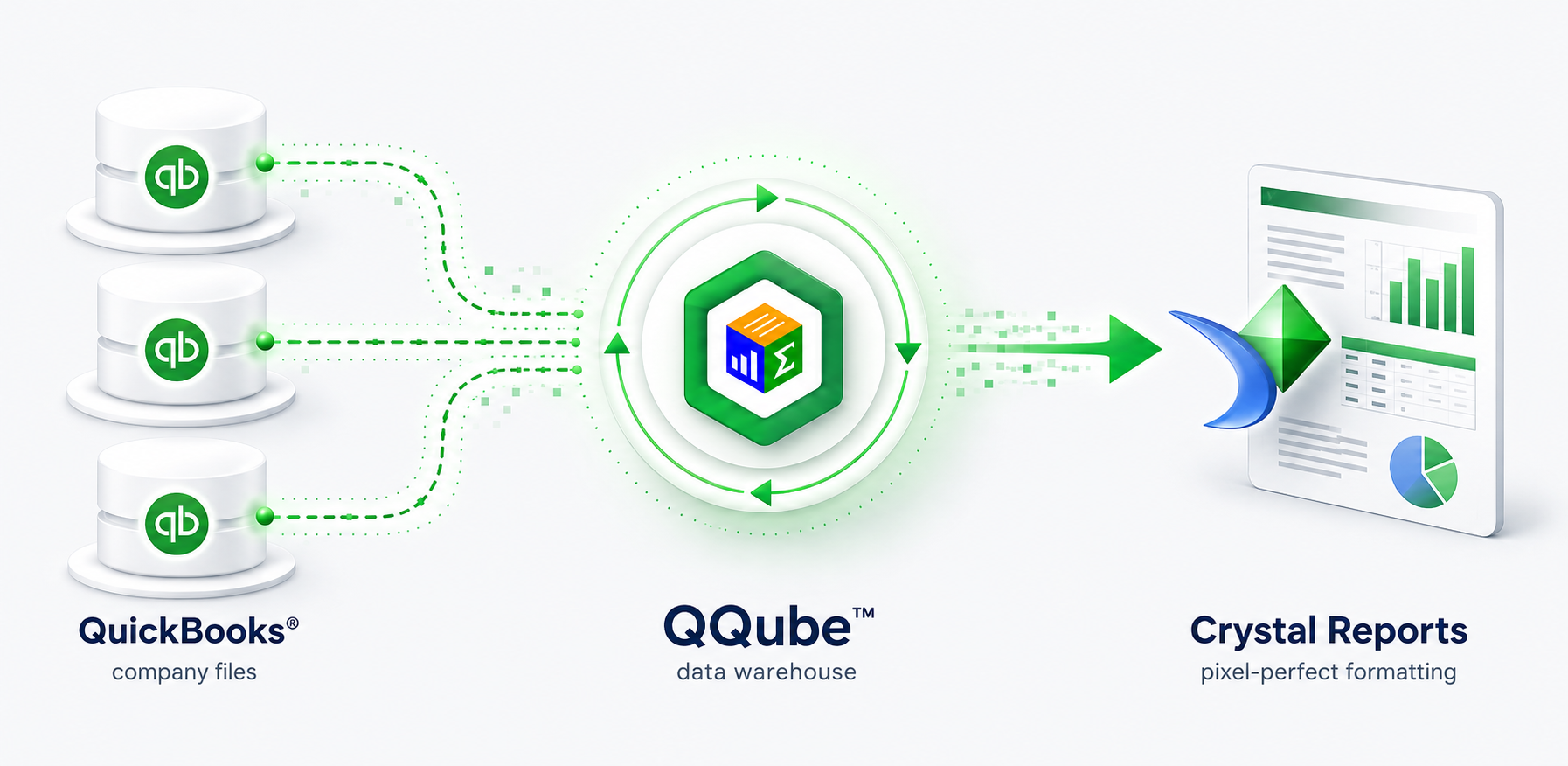
Start with a working Crystal Reports example
Included examples show how a QQube reporting model works in Crystal Reports and give you a practical starting point for your own layout and reporting requirements.
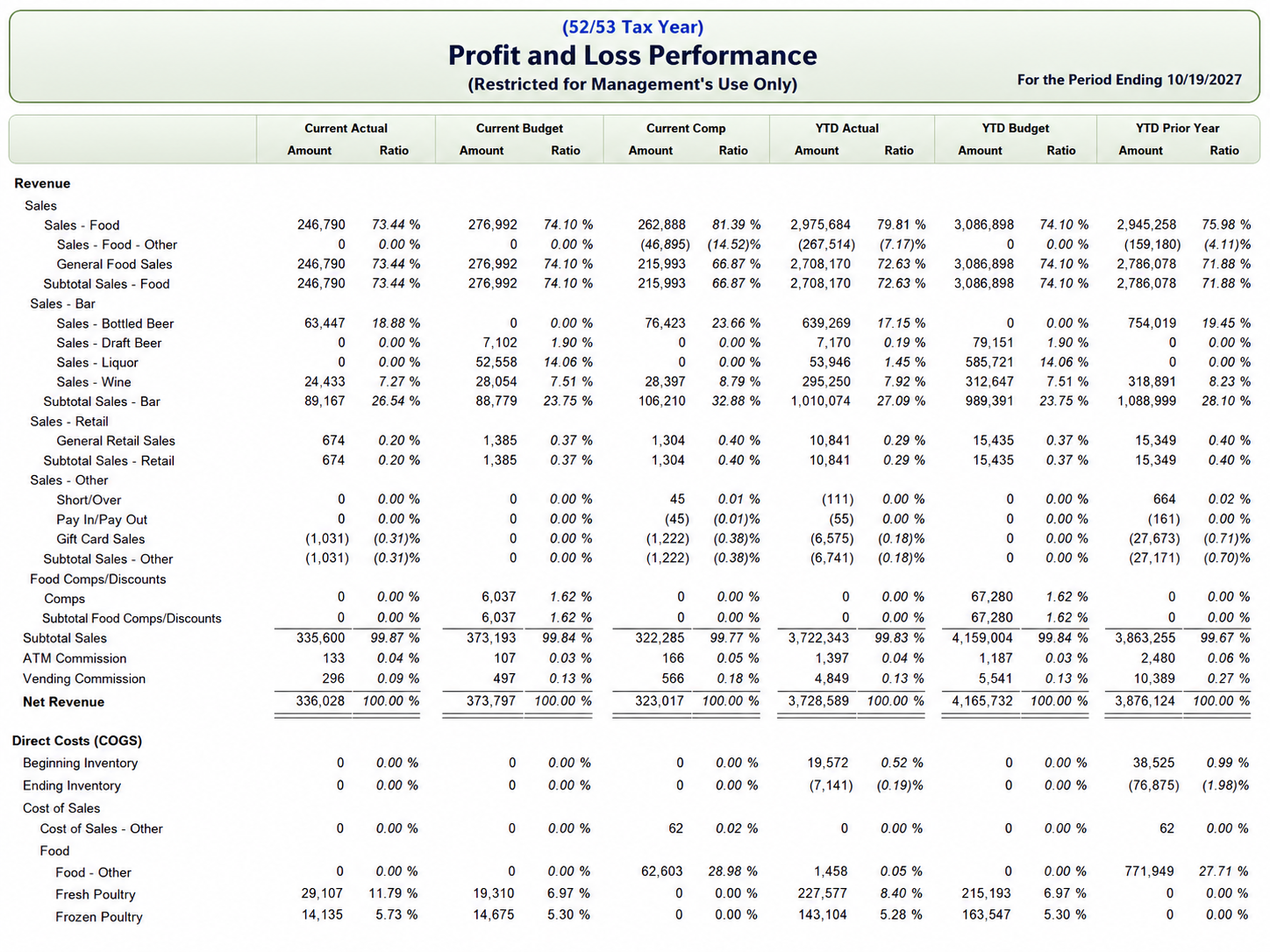
A QQube 52/53 tax-year Profit and Loss report created in Crystal Reports.
QQube prepares what a raw connector leaves to you
A connector extracts QuickBooks data. QQube organizes and prepares it for reporting.
Comprehensive reporting models
Each model is organized around a reporting subject and designed to provide the QuickBooks information available for that subject.
Prepared financial logic
Account hierarchies, formulas, period structures, and other reporting logic are already prepared where applicable.
Included examples
Open a model-specific Crystal Report, keep what works, and customize the design for your organization.
Pixel-perfect formatting
Control exact placement, grouping, headers, sections, page breaks, and print-ready presentation in Crystal Reports.
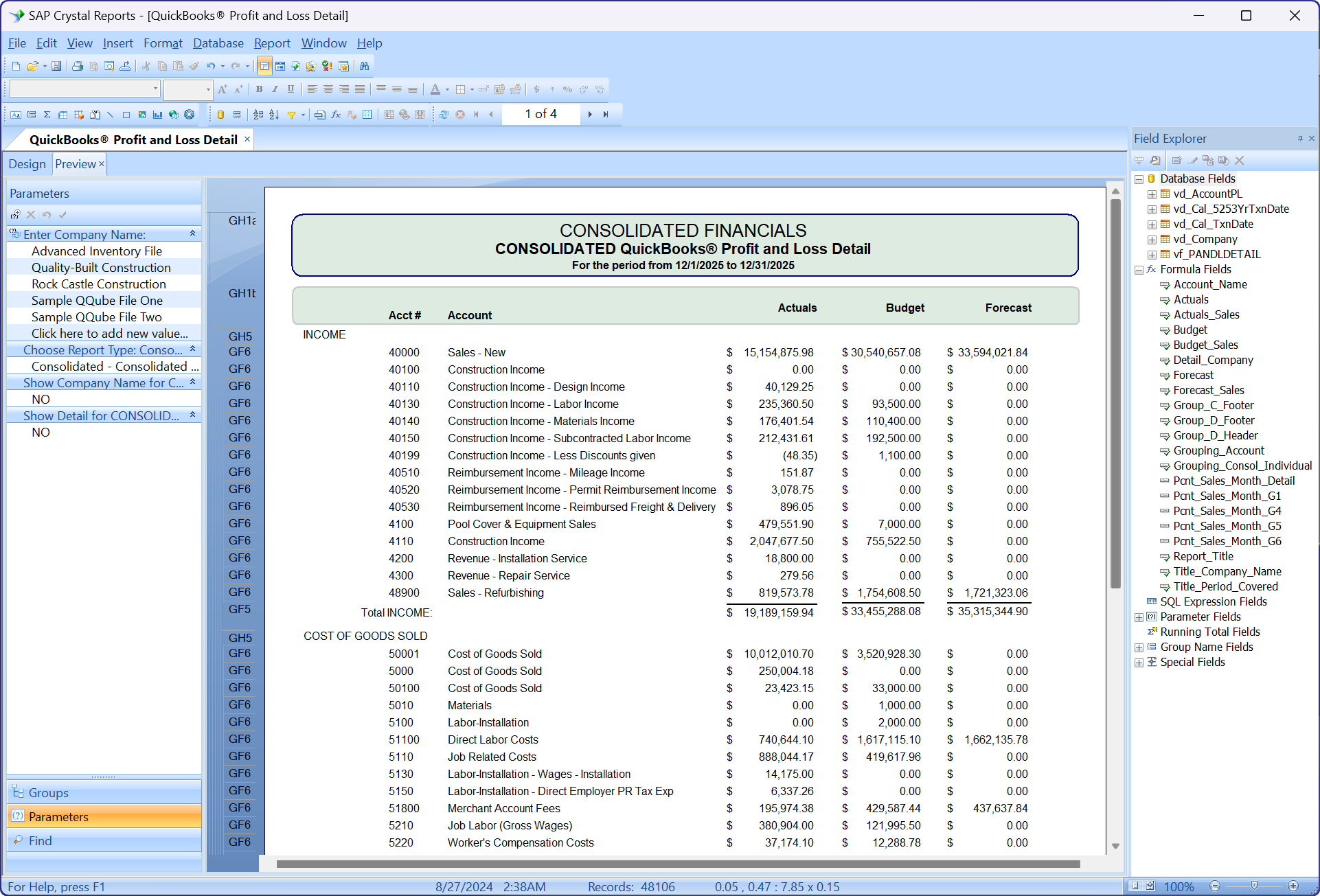
Financial logic, ready to use
QQube prepares the account hierarchies, formulas, and reporting structure before you begin the Crystal Reports layout.
- Drag prepared QQube fields into report sections
- Use included financial statement hierarchies and formulas
- Deliver repeatable reports through Crystal Reports or Crystal Reader
Start building in Crystal Reports
Connect QuickBooks, synchronize the reporting model you need, and open an included Crystal Reports example.